


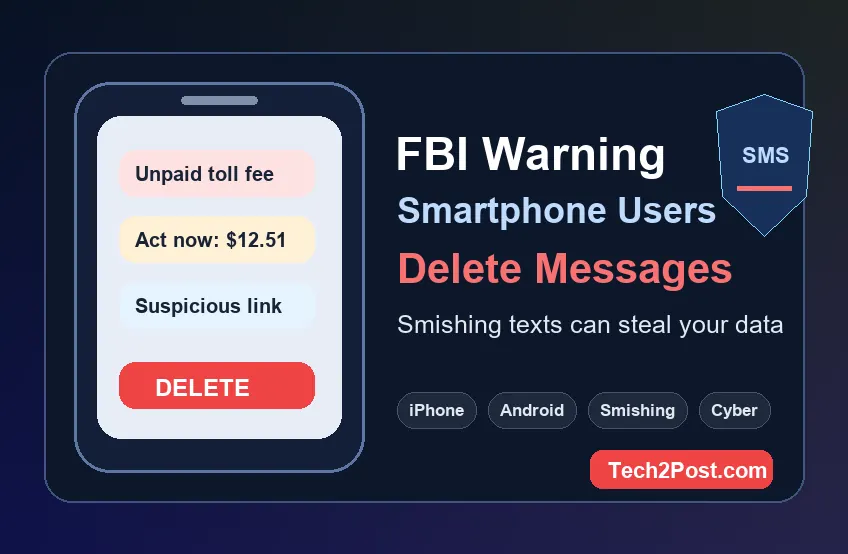
FBI Warning Smartphone Users: Delete Messages Like These Now
A recent FBI warning smartphone users delete messages alert is not just another viral security headline. The real warning is about dangerous text-message scams, also known as smishing, where criminals send fake SMS alerts that try to steal your personal information, payment details, passwords, or banking access.
The FBI Internet Crime Complaint Center has warned about smishing messages that impersonate toll services and other trusted organizations. In one public advisory, IC3 said it had received more than 2,000 complaints about fake road-toll collection texts and advised users to delete any smishing texts received after reporting or checking through legitimate sources. CISA has also urged higher-risk mobile users to use end-to-end encrypted communications after telecom-related cyber espionage activity exposed the danger of unsecured mobile communications.
For everyday iPhone and Android users, the message is simple: if a text looks urgent, asks for money, includes a suspicious link, or tells you to act immediately, do not tap it. Verify it directly, report it if needed, and delete it.
What Is the FBI Warning About?
The FBI warning is mainly about smishing texts. Smishing is SMS phishing. Instead of sending a fake email, scammers send a fake text message designed to make you click a link, visit a spoofed website, download malware, or enter sensitive information.
These scam texts often look normal at first glance. They may claim you owe a small toll fee, missed a package delivery, need to verify a bank account, won a reward, or must fix a payment issue. The scam works because the message creates urgency and makes the amount look small enough that many people click without thinking.
Messages Smartphone Users Should Delete Immediately
Delete suspicious messages that match any of these patterns:
- Texts claiming you owe a road toll, parking fee, delivery charge, or unpaid invoice
- Messages from unknown numbers asking you to tap a shortened or strange-looking link
- SMS alerts demanding immediate payment to avoid a late fee or penalty
- Texts asking you to copy and paste a link into your browser
- Messages pretending to be from banks, government departments, courier services, or telecom providers
- Texts asking for credit card numbers, login credentials, one-time passcodes, or Social Security details
- Messages with spelling mistakes, odd grammar, unusual sender IDs, or pressure-based wording
If a message is real, you should be able to verify it by opening the official app or typing the official website address yourself. Do not use the link inside the message.
Why These Texts Are Dangerous
Smishing messages are dangerous because smartphones make quick decisions feel normal. A scammer does not need you to install a complicated app. They only need one rushed tap.
Once you click a malicious SMS link, you may land on a fake website that looks like a toll agency, bank, delivery company, or government page. These spoofed pages can collect your card details, name, address, phone number, account login, or verification codes. In some attacks, links may also push malware or lead you into a longer social-engineering conversation.
That is why the safest habit is to treat unexpected text links as suspicious by default.
iPhone and Android Users Are Both Targets
This is not only an Android problem or only an iPhone problem. Both iPhone and Android users can receive scam SMS messages. The phone model does not matter if the user taps a malicious link and enters private information on a fake page.
Built-in protections from Apple, Google, mobile carriers, and browsers can block many threats, but they cannot stop every convincing message. Scammers constantly change domains, wording, phone numbers, and sender names to bypass filters.
What To Do If You Receive a Suspicious Text
- Do not click the link. Avoid tapping, previewing, copying, or forwarding suspicious URLs.
- Do not reply. Replying can confirm your number is active.
- Check through the official source. Open the company app or type the official website manually.
- Report the text. In the U.S., suspicious texts can often be forwarded to 7726, your carrier’s spam-reporting number. You can also report cybercrime through IC3.
- Delete the message. Once reported or verified as fake, remove the message so you do not accidentally open it later.
What If You Already Clicked the Link?
If you clicked a suspicious text but did not enter anything, close the page immediately and delete the message. If you entered personal or financial information, act quickly:
- Change the password for the affected account
- Enable multi-factor authentication
- Contact your bank or card provider if payment details were entered
- Watch for unfamiliar charges or login alerts
- Run a security check on your phone
- Report the incident to IC3 if financial fraud or identity theft is involved
Speed matters. The sooner you lock down your accounts, the less time scammers have to use the stolen information.
Should You Delete All Old Messages?
You do not need to panic-delete every message on your phone. The smarter move is to delete messages that contain suspicious links, sensitive one-time codes, old banking alerts, personal documents, or information you no longer need.
Old messages can become a privacy risk if someone gains access to your phone, cloud backup, or messaging account. Cleaning your inbox reduces the amount of personal data available if your device is lost, stolen, or compromised.
Use Encrypted Messaging Where Possible
CISA has recommended consistent use of end-to-end encryption for higher-risk mobile communications. End-to-end encrypted apps help protect message content so that only the sender and recipient can read it, especially for sensitive conversations, financial details, work information, and private documents.
However, encryption does not make scam links safe. Even inside an encrypted app, a fake message can still trick you if you click the wrong link or share your information.
Simple Smartphone Safety Checklist
- Keep iOS or Android updated
- Use strong passwords and a password manager
- Enable two-factor authentication for email, banking, and social accounts
- Turn on spam protection in your messaging app
- Never share one-time passcodes through text
- Review app permissions regularly
- Delete suspicious SMS messages after reporting them
- Use official apps instead of links sent by unknown numbers
Final Takeaway
The FBI warning points to a real and growing mobile security problem: scam texts are getting more believable. The safest response is not complicated. Do not tap unknown links, verify alerts through official channels, report suspicious messages, and delete smishing texts from your phone.
A few seconds of caution can protect your bank account, identity, and private data.
FAQs
What messages is the FBI warning smartphone users to delete?
The FBI has warned users about smishing messages, including fake toll-payment texts and similar scam SMS alerts. Users should delete suspicious messages after reporting or verifying them through legitimate sources.
Are iPhone users safe from smishing texts?
No. iPhone users can still receive scam SMS messages. Security features help, but users should avoid clicking suspicious links or entering personal details on unknown websites.
Are Android users more at risk?
Android users are also targeted, but the biggest risk is user interaction. Any smartphone user can be scammed if they tap a fake link and submit sensitive information.
Should I reply STOP to a suspicious text?
Do not reply to suspicious messages from unknown senders. Replying can confirm that your number is active. Report it, block the sender if needed, and delete the message.
What should I do if I entered my card details?
Contact your bank or card provider immediately, monitor transactions, change affected passwords, enable multi-factor authentication, and report the incident if fraud occurs.
