


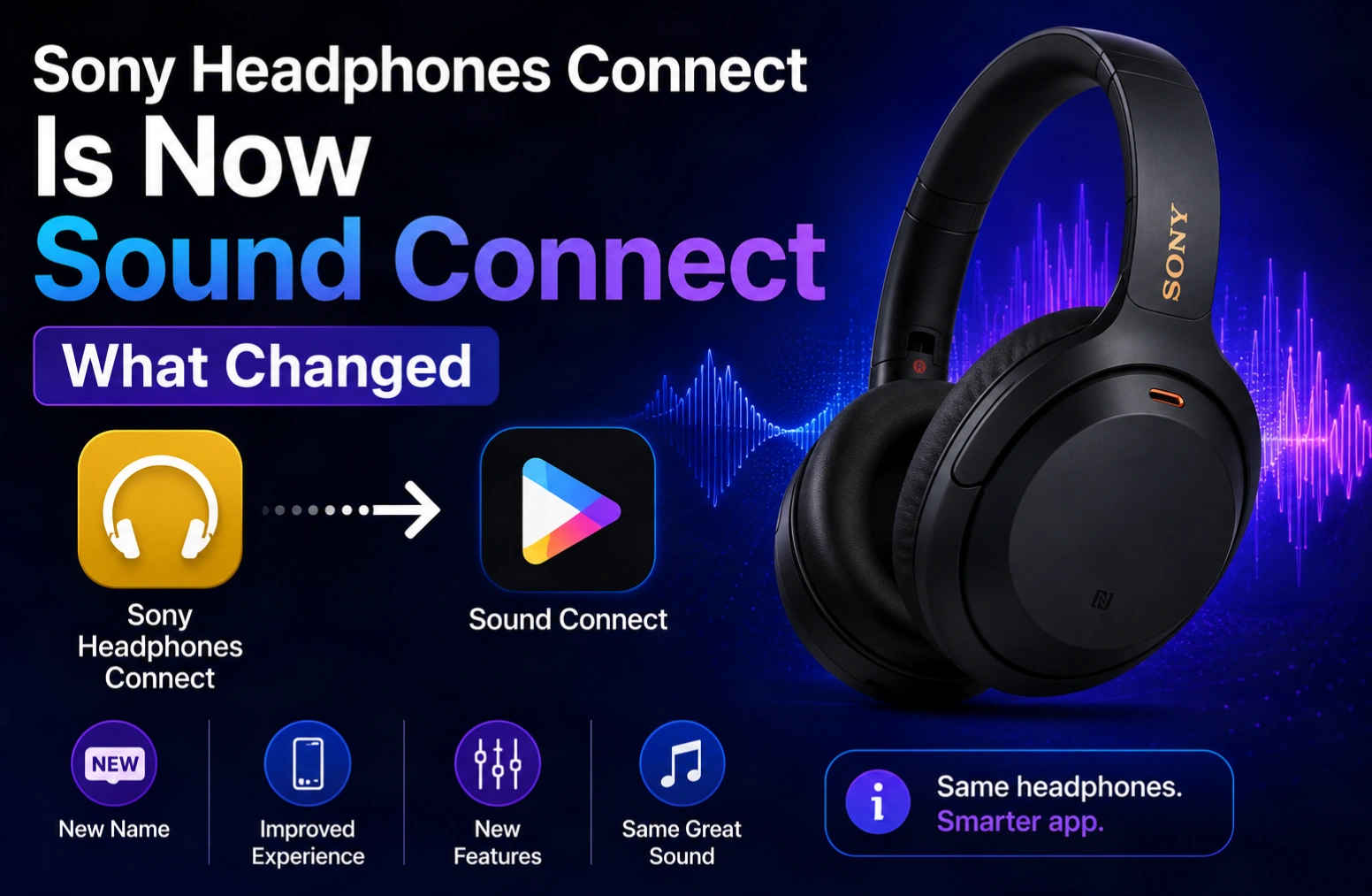
The Sony Headphones Connect app no longer exists under that name. Sony states in the app’s own store listing that “the ‘Sony|Headphones Connect’ was renewed to ‘Sony|Sound Connect’ in October 2024.” It is the same app, same developer, same account — searching the App Store or Google Play for the old name is why you cannot find it.
Nothing was discontinued and you do not need to re-pair anything. But the rename came with a reorganised interface, and several settings people used daily moved. Here is what the app does, where the moved controls went, and what to do when it will not see your headphones.
What changed in the rename
| Before | After | |
|---|---|---|
| App name | Sony | Headphones Connect | Sony | Sound Connect |
| Developer | Sony Corporation | Sony Corporation (unchanged) |
| Device scope | Headphones | Headphones and Bluetooth speakers |
| Your saved settings | — | Carried over; no re-setup needed |
| Store listing | — | Same listing, updated in place |
The widened scope is the actual reason for the change. Sony describes Sound Connect as an app that “helps you get the most out of your Sony headphones and Bluetooth speakers” — the old name had become inaccurate once speakers were folded in.
Because the listing was updated in place rather than republished, the app updated itself on most phones. If your home screen icon changed name overnight without you doing anything, that is what happened.
What the app actually does
Sony lists four core functions:
- Personalise the sound — “Adjust the sound quality to your taste with the customizable equalizer.”
- Noise cancellation and ambient sound — switch between noise cancelling modes and set “the detailed level of ambient sound filtered in.”
- Ear health monitoring — the app “records the sound pressure played by the headphones and shows a comparison with the limits recommended by the World Health Organization (WHO).”
- Product notifications — firmware updates and Sony announcements.
The WHO safe-listening comparison is the feature most owners never open and the one most worth using. It is not a marketing gimmick — it plots your actual listening exposure against a published health threshold, which is something almost no competing headphone app offers.
Which Sony headphones work with it
Sound Connect supports Sony’s Bluetooth audio range broadly, including the flagship WH-1000X over-ear series and the WF-1000X earbuds, along with LinkBuds and the mid-range CH and XB lines. Feature availability varies by model rather than being uniform — noise cancellation controls only appear on models with ANC, and the equalizer is unavailable on some entry-level products.
Wired-only headphones and Sony’s professional monitoring range (the MDR-7506 and similar) have no Bluetooth radio and do not connect to the app at all. This is a hardware limitation, not a bug.
System requirements
Sony notes in the Google Play listing: “From version 12.5, this app is only available on Android OS 11.0 or later.”
That is the trap for anyone on an older phone. If your device runs Android 10 or earlier, the Play Store will not offer the update, and you will be left on an increasingly outdated build while newer headphones go unsupported. The app is a genuine reason to replace an ageing Android phone if you have just bought expensive Sony headphones.
On iOS the app is published as Sony | Sound Connect by Sony Corporation and requires a recent version of iOS — check the “Compatibility” section on the App Store listing against your device before assuming support.
When the app will not find your headphones
Almost every connection failure comes down to one of five things.
| Symptom | Cause and fix |
|---|---|
| Headphones not listed in the app | They are paired to a different device that is in range. Turn Bluetooth off on that device, or disconnect there first. |
| App asks for Location permission | Android requires location access for Bluetooth device scanning. Denying it prevents discovery entirely — this is an OS rule, not a Sony choice. |
| Connects, then drops repeatedly | Battery optimisation is killing the app in the background. Exclude Sound Connect from battery optimisation in Android settings. |
| Some features missing | Your model does not support them. Feature sets differ across the range — ANC controls only appear on ANC models. |
| App will not update | You are on Android 10 or earlier and stuck below version 12.5. |
If none of that helps, remove the headphones from your phone’s Bluetooth device list entirely — not just from the app — and pair from scratch. A stale pairing record is the most common cause of the app seeing the headphones but refusing to control them.
Firmware updates: do them, on a cable-free schedule
Sound Connect is the only route to headphone firmware updates, and Sony has shipped meaningful ANC and connection-stability improvements through them. Two practical rules: keep the headphones on your head or on a flat surface during the update rather than in the case, and do not let the phone sleep mid-update. An interrupted firmware flash on Bluetooth headphones is recoverable in most cases, but the recovery process is tedious.
Frequently asked questions
What happened to the Sony Headphones Connect app?
It was renamed. Sony’s own store listing states that “Sony|Headphones Connect was renewed to Sony|Sound Connect in October 2024.” The app was not discontinued and nothing was lost — it is the same app from the same developer, updated in place, now covering Bluetooth speakers as well as headphones.
Do I need to reinstall or re-pair after the rename?
No. The listing was updated in place, so existing installations updated automatically and kept their settings and paired devices. If you cannot find the app, search for “Sony Sound Connect” rather than the old name — the old name returns no exact match on either store.
Is Sony Sound Connect free?
Yes. It is a free companion app for Sony audio hardware on both Android and iOS, with no subscription and no paid tier. It requires a supported Sony Bluetooth headphone or speaker to be useful — the app does nothing on its own.
Why does the app need location permission on Android?
Android requires location permission for apps that scan for nearby Bluetooth devices, because Bluetooth scan results can be used to infer position. This is an operating system requirement applied to all Bluetooth apps, not something specific to Sony. Denying it stops the app finding your headphones.
Can I use the app with non-Sony headphones?
No. Sound Connect only recognises Sony’s own Bluetooth audio products. Other manufacturers’ headphones will not appear, even if they are paired to the same phone. Each brand ships its own companion app, and none of them are cross-compatible.
The bottom line
If you came here because the Sony Headphones Connect app vanished, it did not — it is called Sony | Sound Connect now, and has been since October 2024. Search that name, check you are on Android 11 or later, and grant location permission so Bluetooth scanning works. Then open the sound-pressure screen once, because it is the most genuinely useful feature in the app and almost nobody looks at it.
More gadget coverage on Tech2Post: our DJI Osmo Pocket 4 review and the iMac Pro i7 4K breakdown, which untangles another widely-repeated product naming mix-up.
Related reading: what latency means — directly relevant to Bluetooth audio delay — plus the Samsung Galaxy Z Fold 8, the best smartphones for trekking, the Android 16 Nothing OS 4.0 rollout, MacBook Neo specs and price, and how to take a screenshot on iPad.
Sources: the Sony | Sound Connect listing on Google Play and the App Store listing. The rename statement, feature descriptions and the Android 11 requirement are quoted from Sony’s own listing text.
