


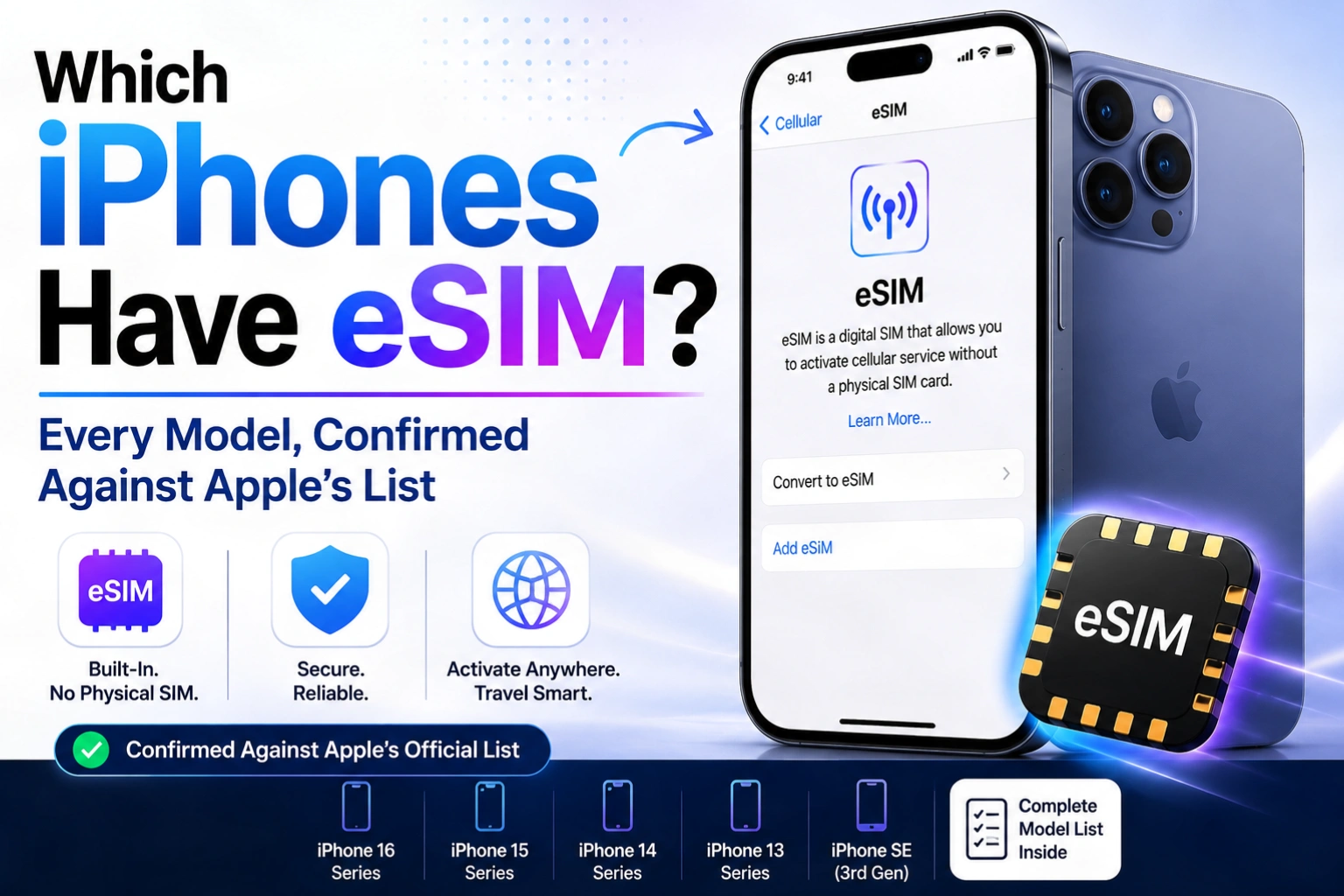
Every iPhone from the iPhone XR and iPhone XS onward supports eSIM. iPhone 13 and later can run two eSIMs at once. iPhone 14 and later sold in the United States have no SIM tray at all — they are eSIM-only. Anything older than the iPhone XR, including the iPhone X and iPhone SE (2nd generation), is nano-SIM only.
That is the whole answer, and it is the part most articles get wrong — usually by mixing up “supports eSIM” with “has no SIM tray,” which are two different things. Below is every model, grouped the way Apple’s own SIM-type list groups them, plus the regional exceptions that catch people out when they buy a phone abroad.
Quick answer: does my iPhone have eSIM?
| Your iPhone | eSIM? | SIM tray? | Two eSIMs at once? |
|---|---|---|---|
| iPhone 14, 15, 16, 17 families (bought in the US) | Yes | No | Yes |
| iPhone 14, 15, 16, 17 families (bought outside the US) | Yes | Yes | Yes |
| iPhone SE (3rd generation) | Yes | Yes | No |
| iPhone 13, 13 mini, 13 Pro, 13 Pro Max | Yes | Yes | Yes |
| iPhone 12, 12 mini, 12 Pro, 12 Pro Max | Yes | Yes | No |
| iPhone 11, 11 Pro, 11 Pro Max | Yes | Yes | No |
| iPhone XS, XS Max, XR | Yes | Yes | No |
| iPhone X, 8, 7, 6s, 6, SE (2nd gen or earlier) | No | Yes | No |
The three groups Apple actually uses
1. eSIM only — no SIM tray on the phone
These models physically cannot take a plastic SIM card. There is no tray to open.
- iPhone 14, iPhone 14 Plus, iPhone 14 Pro, iPhone 14 Pro Max — models purchased in the United States
- iPhone 15, iPhone 15 Plus, iPhone 15 Pro, iPhone 15 Pro Max — models purchased in the United States
- iPhone 16e, iPhone 16, iPhone 16 Plus, iPhone 16 Pro, iPhone 16 Pro Max — models purchased in the United States
- iPhone 17e, iPhone 17, iPhone Air, iPhone 17 Pro, iPhone 17 Pro Max — models purchased in the United States and a wider group of countries that now includes Canada, Mexico, Japan, Guam, the United Arab Emirates and Saudi Arabia
The iPhone 14 was the turning point: in September 2022 it became the first iPhone sold in the US without a SIM tray. With the iPhone 17 generation, Apple extended eSIM-only hardware well beyond the US for the first time.
2. eSIM plus a nano-SIM tray
These have both. You can run a physical SIM and an eSIM side by side.
- iPhone 14 / 15 / 16 / 17 families — models purchased outside the eSIM-only regions above
- iPhone SE (3rd generation)
- iPhone 13, iPhone 13 mini, iPhone 13 Pro, iPhone 13 Pro Max
- iPhone 12, iPhone 12 mini, iPhone 12 Pro, iPhone 12 Pro Max
- iPhone 11, iPhone 11 Pro, iPhone 11 Pro Max
- iPhone XS, iPhone XS Max
- iPhone XR
3. Nano-SIM only — no eSIM support
- iPhone SE (2nd generation or earlier)
- iPhone X
- iPhone 8, iPhone 8 Plus
- iPhone 7, iPhone 7 Plus
- iPhone 6s, iPhone 6s Plus, iPhone 6, iPhone 6 Plus
- iPhone 5s, iPhone 5c, iPhone 5
Note the trap: the iPhone X has no eSIM, but the iPhone XR and XS — released a year later — do. The X is not part of the eSIM generation despite the similar name. The same catch applies to the SE line: the 2nd-generation SE has no eSIM, the 3rd-generation SE does.
Dual eSIM: iPhone 13 and later only
Supporting eSIM and supporting two eSIMs are different things. Apple states it plainly: “You can use Dual SIM by using a physical SIM and an eSIM. iPhone 13 models and later also support Dual SIM with two eSIMs, in addition to a physical SIM and an eSIM.”
So on an iPhone 11 or 12 you can hold two lines — but one of them has to be a physical card. On an iPhone 13 or newer you can run two eSIM lines with the tray empty, which is what makes travel plans convenient. Newer iPhones can also store several eSIM profiles and switch between them; only two can be active at a time.
All of this runs on Dual SIM Dual Standby (DSDS), which Apple describes as meaning “both SIMs can make and receive calls.” Only one line uses cellular data at a time, unless you turn on Allow Cellular Data Switching.
The regional exceptions that trip people up
eSIM support is not purely a hardware question — where the phone was bought matters.
- China mainland: only the iPhone 17e and iPhone Air support eSIM. Every other iPhone model sold there does not.
- Hong Kong and Macao: certain iPhone models ship with Dual SIM using two nano-SIM cards instead of an eSIM.
- United States: the opposite extreme — from iPhone 14 onward there is no tray, so a US iPhone cannot use a physical SIM at all.
This matters if you buy an iPhone overseas to save money. A US iPhone 16 taken to a country where your carrier only issues plastic SIMs will not work until that carrier supports eSIM. Check before you buy, not after.
How to check your own iPhone in 15 seconds
- Open Settings → General → About.
- Scroll down. If you see entries labelled Available SIM, Digital SIM or eSIM, your iPhone supports eSIM.
- To confirm there is no tray, look at the edge of the phone — US iPhone 14 and later have a blank frame where the tray used to be.
You can also go to Settings → Cellular. If the option Add eSIM or Set Up Cellular appears, the phone is eSIM-capable and your carrier supports activating it.
What you still need from your carrier
Hardware support is only half of it. Apple’s requirement is a “wireless carrier that supports eSIM,” and for two carriers on one phone, “your carrier must unlock your iPhone, or both plans must be from the same carrier.” If you are on an enterprise or corporate plan, your company administrator may have to enable it.
In the US, all three major networks support eSIM activation, which is why Apple was able to drop the tray there first. Coverage is far patchier for smaller regional carriers and for prepaid brands, so confirm with the carrier directly rather than assuming.
Frequently asked questions
Does the iPhone 11 have eSIM?
Yes. The iPhone 11, iPhone 11 Pro and iPhone 11 Pro Max all support eSIM alongside a physical nano-SIM tray, so you can run two lines at once. They cannot run two eSIMs simultaneously — that capability starts with the iPhone 13. Models sold in China mainland are the exception and do not support eSIM.
Does the iPhone SE have eSIM?
It depends on the generation. The iPhone SE (3rd generation) supports eSIM plus a nano-SIM tray. The iPhone SE (2nd generation) and the original 2016 SE do not support eSIM at all and are nano-SIM only. This is the single most common point of confusion in the SE line.
Does the iPhone 12 have eSIM?
Yes. All iPhone 12 models — iPhone 12, 12 mini, 12 Pro and 12 Pro Max — support eSIM and also keep a nano-SIM tray. You can use one physical SIM and one eSIM together. Two active eSIMs are not supported on the iPhone 12; that requires an iPhone 13 or newer.
Can I still use a physical SIM on a US iPhone 15 or 16?
No. US models of iPhone 14 and later have no SIM tray, so a physical nano-SIM cannot be inserted under any circumstance. Your carrier must issue an eSIM profile instead. Most carriers can convert an existing physical SIM line to eSIM from their app or a store visit at no cost.
How many eSIMs can an iPhone store?
iPhone 13 and later can store multiple eSIM profiles and keep two of them active at the same time. Older eSIM-capable iPhones can also store several profiles but activate only one eSIM at a time, paired with a physical SIM if you want a second line.
The bottom line
If your iPhone is an XR, XS or anything newer, it has eSIM. If it is an iPhone 13 or newer, it can hold two eSIM lines at once. If it is a US model from the iPhone 14 onward, eSIM is your only option because the tray is gone. Everything older than the XR is nano-SIM only, with no upgrade path.
If you are shopping rather than checking, our coverage of the Samsung Galaxy Z Fold 8 and the best smartphones for trekking covers the same dual-SIM questions on the Android side, where tray-free designs are still rare. For Apple hardware more broadly, see our breakdowns of the MacBook Neo specs and price and the iMac Pro i7 4K, a model name that — like “iPhone X eSIM” — describes a machine that never existed.
Related reading on Tech2Post: how to take a screenshot on iPad, screenshots on any device, the Android 16 Nothing OS 4.0 rollout, the FBI messaging warning for smartphone users, and what latency actually means for mobile connections.
Sources: Apple — Learn which type SIM your iPhone or iPad uses and Apple — Using Dual SIM with an eSIM. Model groupings and regional exceptions on this page are taken directly from those two documents.
