


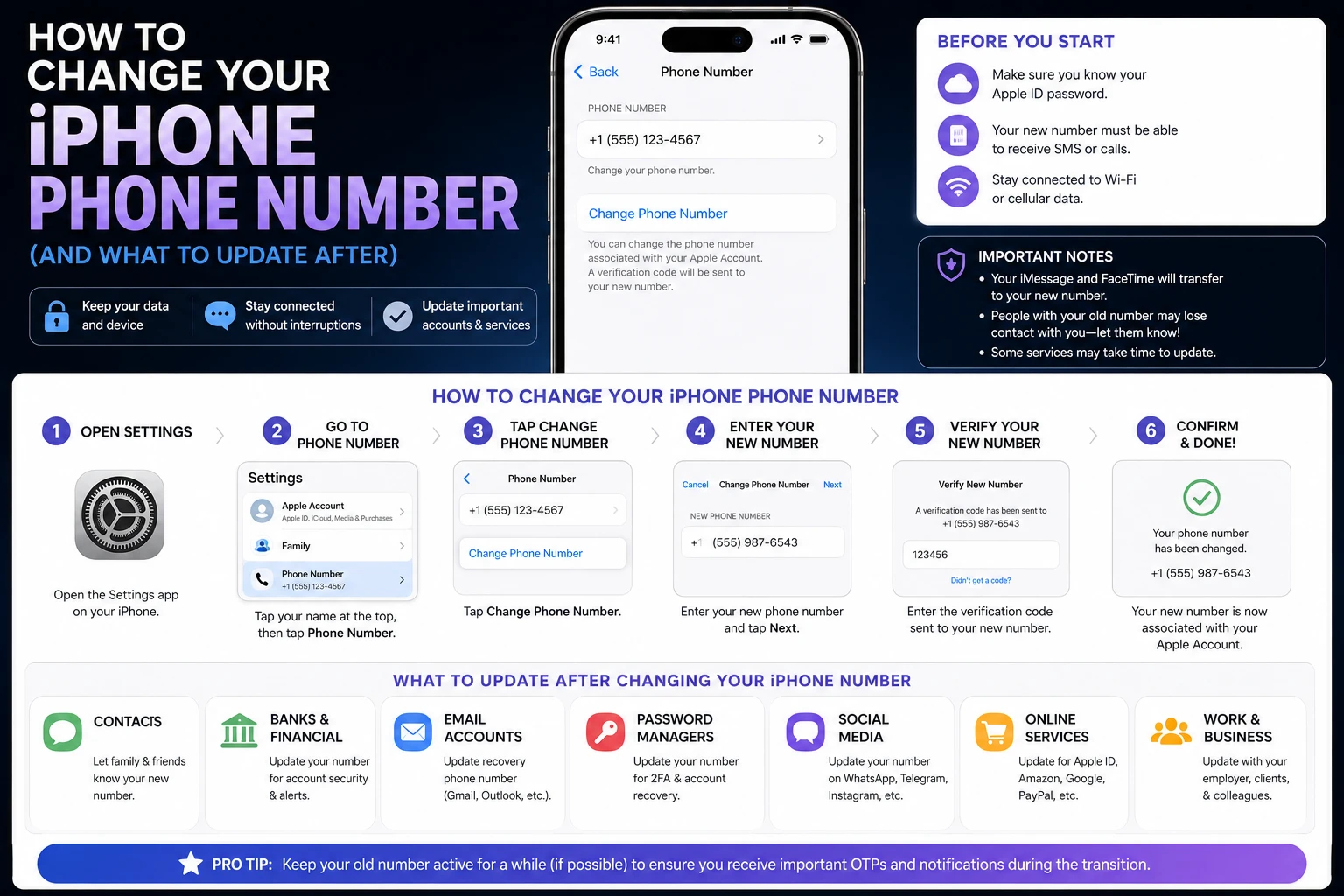
You cannot change your iPhone’s phone number from the iPhone. The number belongs to your carrier, not to Apple, so the change happens in your carrier’s app or account portal — then the phone picks it up. On Verizon, for example, an account owner or manager changes it from the Change mobile number page in My Verizon, free online and for a $15 fee if you call customer service instead.
Everything inside iOS — Settings, iMessage, FaceTime, your Apple Account — updates after the carrier makes the change, and a couple of those need a nudge. Here is the order of operations that avoids a week of messages going to a number you no longer own.
Step 1: change the number with your carrier
This is the only step that actually changes anything. The self-service route is almost always cheaper than phoning in.
| Carrier | Where | Cost |
|---|---|---|
| Verizon | Change mobile number page in My Verizon (app or web); account owner or manager only | Free online; $15 by phone |
| T-Mobile | T-Life app or T-Mobile support | Check current account terms |
| AT&T | AT&T wireless support — chat, phone (800.331.0500) or a store | Check current account terms |
| Prepaid / MVNO | The provider’s own app or portal | Varies; often a small fee |
Fees and self-service availability change, so confirm on your own account before assuming. The Verizon figures above are from Verizon’s published FAQ; the other carriers publish their own terms and do not always quote a flat number.
What you can and cannot choose
Verizon documents this precisely, and it is representative of how US carriers handle it: you can select the area code and prefix, but the last four digits are automatically assigned based on what is available. If you had a specific number in mind, that is where the plan usually ends.
You will also pick an effective date, which determines when the number changes and when billing for the new number begins. Choose today and the change happens as soon as you finish the process; choose a later day and it takes effect at midnight ET on that date. Prepaid accounts skip this step.
Step 2: restart the iPhone
After the carrier commits the change, restart the phone. This is not folklore — carriers include it in their own instructions, because the new number has to be provisioned to the SIM or eSIM profile on the device.
Verizon’s troubleshooting for a phone that is not working afterwards is worth borrowing regardless of carrier: turn the phone off and back on, wait two to five minutes, then turn it off and on once more. Verizon customers can dial #832 free to verify the new number is live.
Step 3: check the number iOS is showing
Once service returns, confirm what the phone thinks its number is:
- Open Settings.
- Tap Phone.
- Look at My Number.
It should show the new number. If it still shows the old one after a restart and a few minutes on the network, the carrier side has not finished provisioning — that is a carrier issue, not an iPhone one.
Step 4: fix iMessage and FaceTime
This is the step people skip, and it is the one that causes the “my friends’ texts vanish” problem for weeks afterwards. iMessage and FaceTime register your number with Apple separately from the carrier’s records.
- Settings > Apps > Messages > Send & Receive — check that the new number is listed and ticked under “You can be reached by iMessage at.”
- Settings > Apps > FaceTime — same check under “You can be reached by FaceTime at.”
If the old number is still listed, the reliable reset is to toggle iMessage off, wait a moment, then toggle it back on. The phone re-registers with Apple using the number currently on the SIM. Do the same for FaceTime.
Leaving the old number registered means messages from other iPhone users keep routing to a number that is no longer yours — they send as blue bubbles into a void, and neither side sees an error.
Step 5: update everything anchored to the old number
A phone number is an identity key in more places than most people realise. Work through these in order of damage-if-forgotten:
- Two-factor authentication — banks, email, work SSO. Update these first, and before the old number is recycled. A code sent to a dead number is a locked account.
- Your Apple Account — the trusted phone number used for Apple’s own two-factor verification. Update it in Settings > [your name] > Sign-In & Security.
- WhatsApp, Signal, Telegram — each has an in-app “change number” flow that migrates your account rather than starting a new one. Use that flow, not a fresh registration.
- Banking, delivery and rideshare apps — anything that sends an SMS code.
- Contacts who matter — carriers do not forward calls to a new number.
That last point is not obvious. Verizon states it directly: anyone who calls your old number gets a message that the number is no longer in service, and calls are not forwarded. Tell people yourself.
What happens to your data
Verizon’s FAQ splits this cleanly, and the split applies broadly:
- Stays on the phone — contacts and your call log are stored on the device and are unaffected.
- May be lost — voicemails and text messages held on the carrier’s network.
If you have voicemails worth keeping, save them before the change date. On iPhone, visual voicemail messages can be shared out to Files, Notes or a message thread from the share button in the Phone app — do that while the old number is still active.
Changing your number vs keeping it
Two things are often confused with each other, and they are opposites:
- Changing your number — same carrier, new number. What this guide covers.
- Porting your number — new carrier, same number. Handled by the carrier you are moving to, not the one you are leaving.
If you are switching carriers and want a different number, port first and change second. Doing it the other way round can strand the port request against a number that no longer exists on the account.
Neither operation is the same as moving a line to new hardware. That is covered in our guide to transferring a SIM card to a new iPhone.
Frequently Asked Questions
Can I change my iPhone number in Settings?
No. Settings > Phone > My Number displays the number your carrier has assigned; it is not an editable field in any meaningful sense. The change must be made through your carrier’s app, website or support line, after which the iPhone reflects the new number following a restart.
How much does it cost to change your phone number?
It depends on the carrier and the channel. Verizon publishes no charge for changing a mobile number in the My Verizon app or online, and a $15 fee if you call customer service to do it. Other carriers set their own terms, so check your account before assuming it is free.
Can I pick my new phone number?
Partly. Verizon lets you select the area code and prefix, but assigns the last four digits automatically based on availability. Most US carriers work the same way — you influence the region, not the specific number.
Will my old number forward calls to my new one?
No. Verizon states that anyone calling the old number hears a message that it is no longer in service, and that calls are not forwarded. Notify contacts yourself before the change takes effect, and update any service that sends verification codes by SMS.
Why are my iMessages still going to my old number?
iMessage registers your number with Apple independently of your carrier. Open Settings > Apps > Messages > Send & Receive and confirm the new number is listed and selected. If it is not, switch iMessage off and back on to force re-registration, and do the same for FaceTime.
The bottom line
Change the number with your carrier — online, where it is usually free — restart the iPhone, verify it in Settings > Phone > My Number, then re-register iMessage and FaceTime. Move your two-factor codes to the new number before the old one goes dark, save any voicemail worth keeping, and tell people directly, because nothing forwards.
More iPhone guides on Tech2Post: transferring a SIM card to a new iPhone, which iPhones have eSIM, and whether the iPhone SE has a SIM card.
Related reading: the FBI warning about smartphone messages on why SMS security matters, the Samsung Galaxy Z Fold 8, the best smartphones for trekking, removing your Amazon order history, screenshots on iPad, and what latency actually means.
Sources: Verizon — Change your mobile number FAQs and Apple — Set up eSIM on iPhone. Fees, the area-code/prefix rule, the effective-date behaviour, the no-forwarding statement and the voicemail caveat are taken from Verizon’s published FAQ; other carriers’ terms differ and should be checked on your own account.
